SosialSparkLab
YouTube Channel Banner Templates
(Canva-Ready)
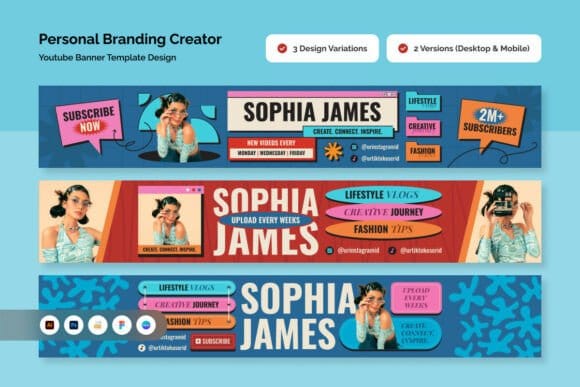
Browse 100+ YouTube channel banner templates for every niche — gaming, vlog, business, beauty, and more. All Canva-ready and fully editable. The right banner makes viewers trust your channel before they watch a single video.
Affiliate link — we earn a small commission
at no extra cost to you
Browse Channel Banners by Category
Channel Banner Templates
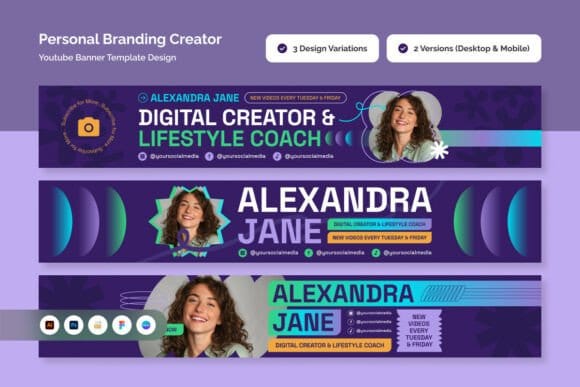
Ready-made channel banners for every niche. Pick your style, customise in Canva, upload in minutes.
Affiliate link — we earn a small commission
at no extra cost to you
Niche Banner Styles
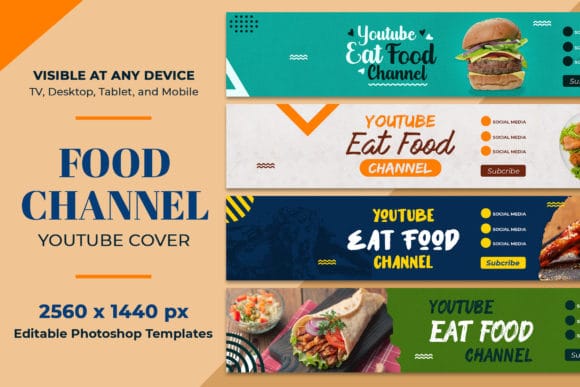
Gaming, vlog, beauty, business, music, fitness — find the banner style built for your specific niche.
Affiliate link — we earn a small commission
at no extra cost to you
Banner Size & Safe Area
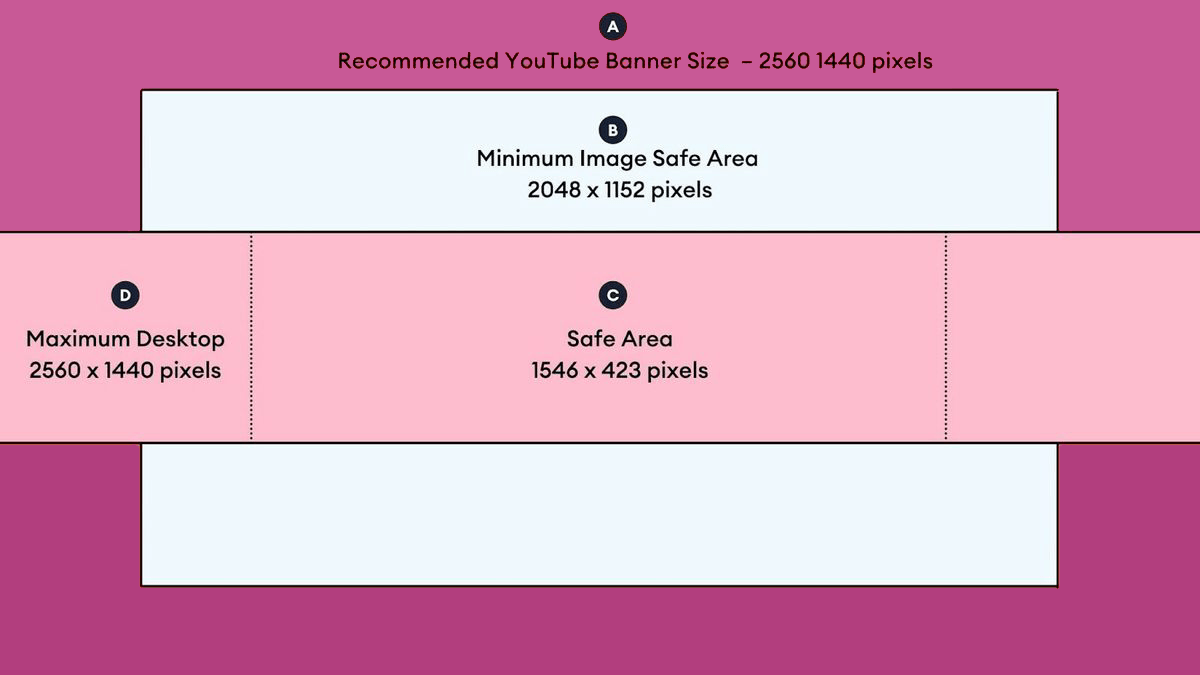
YouTube banner dimensions explained — desktop, mobile, and TV safe zones. Get it right the first time.
Affiliate link — we earn a small commission
at no extra cost to you
Banner Branding Kits
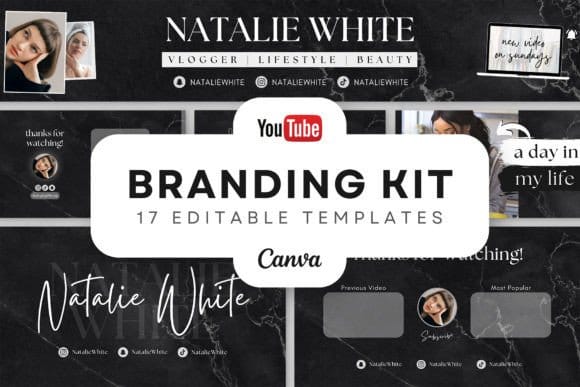
Get a complete set — channel banner + matching thumbnail template + profile picture in one Canva kit.
Affiliate link — we earn a small commission
at no extra cost to you
Browse Channel Banner Templates by Niche
Can't Find the Perfect Channel Banner?
Browse 500+ YouTube channel banner templates on Creative Fabrica — all Canva-ready and fully editable. Search by niche, colour palette, or style. Find the exact banner that makes your channel look like you've been doing this for years.
FAQ
YouTube channel banners should be 2560×1440px. The safe zone — the area that displays on all devices — is 1546×423px (centred). Always keep your key text and logo within the safe zone. All Creative Fabrica banner templates are pre-sized to 2560×1440px with the safe zone marked.
Yes — most Creative Fabrica banner templates are fully editable in the free version of Canva. Some premium fonts or elements may require Canva Pro ($14.99/month). Check the template description before purchasing. Canva Pro includes a free 30-day trial.mobile app.
A great channel banner includes: your channel name (in your brand font), a short tagline or niche description (e.g. 'Weekly Canva Tutorials'), a upload schedule if relevant (e.g. 'New videos every Tuesday'), and optionally a logo or channel photo. Keep it clean — viewers glance at banners, they don't read them.
Go to YouTube Studio → Customisation → Branding → Banner Image → Upload. YouTube recommends PNG or JPG under 6MB. The image will be cropped differently on desktop (full 2560×1440px visible), TV (full image), tablet (centred 1855×423px), and mobile (centred 1546×423px). Always preview on all devices before publishing.
Update your banner when: you rebrand, launch a new series, change your upload schedule, or your content focus shifts. Minor refreshes (seasonal updates, new logo) can be done every 3–6 months. Consistency matters more than frequency — a strong banner you keep for 12 months beats five rushed designs.
Yes — all Creative Fabrica templates include a commercial license covering monetized YouTube channels with ads, memberships, and sponsorships. For client work or agency use, check whether an Extended Commercial License is required. License details are always listed on the product page.
A channel banner (2560×1440px) appears at the top of your YouTube channel page — it's your channel's header image, visible to anyone who visits your profile. A thumbnail (1280×720px) appears next to each individual video in search results and the feed. Both are part of your channel branding — matching styles between banner and thumbnails build stronger brand recognition. → See also: /thumbnails




Get a free YouTube thumbnail mini pack
Canva-ready templates + design tips straight to your inbox
By subscribing you agree to our Privacy Policy